Open tracking is a chain, and if any link is missing the badge stays at Delivered. The good news: on hosted SendTidings most of the chain is automatic, so the list you actually need to work through is short.
A quick caveat before the checklist: open tracking is directional, not precise. Apple Mail inflates it (their privacy proxy preloads images), image-blockers and plain-text clients under-report it. Treat the badge as a signal, not an audit.
The chain
For a report to flip from Delivered to Opened, all of these need to be true:
- It was sent via
Send now, notSend test - It went out after your sender domain was verified
- The recipient opened it in a client that loads remote images — and you’ve waited 30–60 seconds
The pixel and the webhook that power all of this are handled by SendTidings automatically (more on that at the bottom). Most of the time the answer is link 1 or link 2.
Link 1: Send now, not Send test
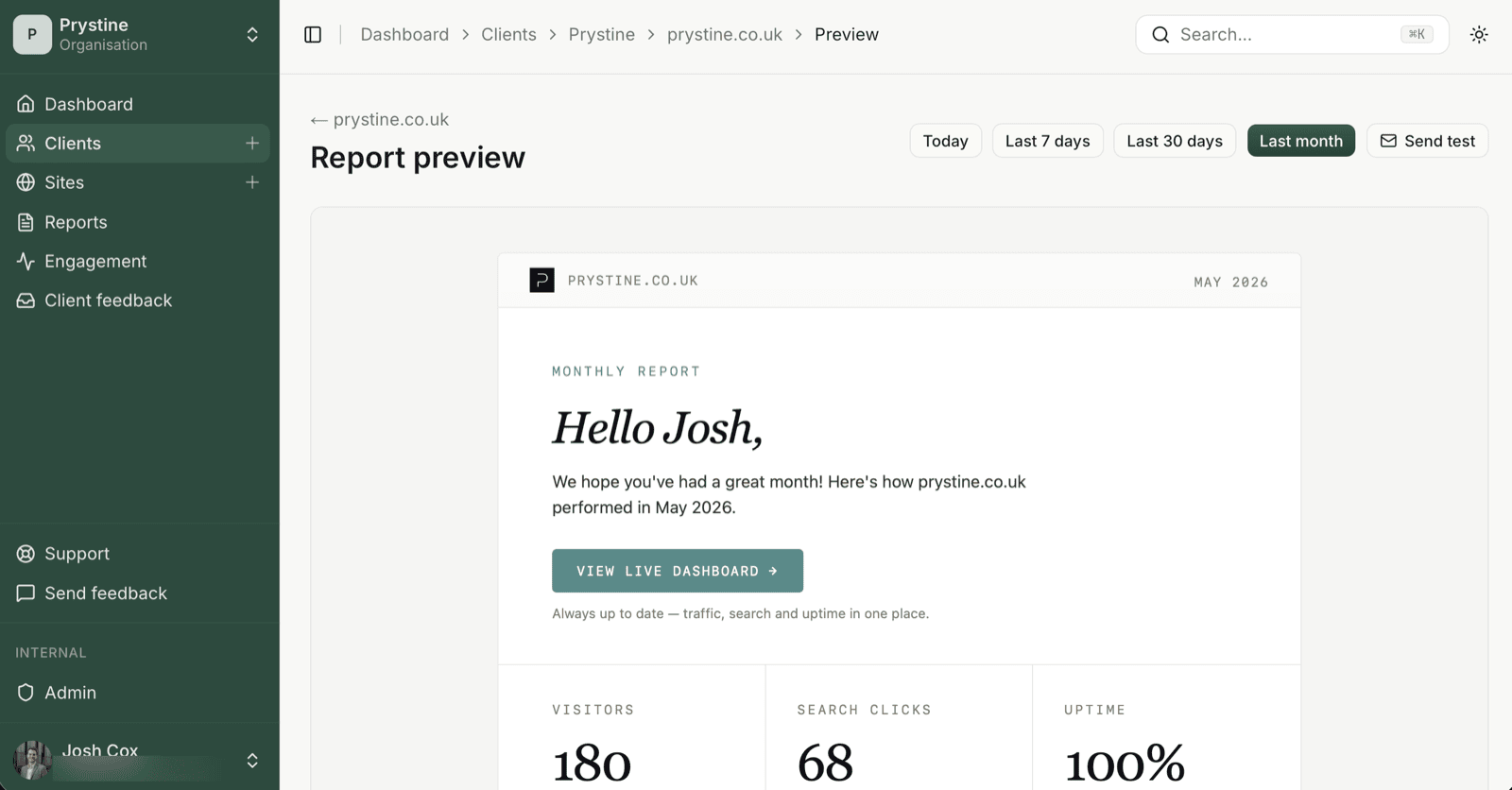
Send test and Send now look similar and aren’t. The test path is a one-shot preview to your own inbox: no tracking pixel, no history row, no badge. So if you’ve been testing with Send test and wondering why nothing tracks — that’s why.
Use Send now (on the site detail page) for anything you want to see in the report history with open tracking attached.
Link 2: Sent after the domain was verified
Open tracking switches on with your verified sender domain. So any report that went out before the domain finished verifying won’t ever flip — the pixel wasn’t on those sends. This is the silent one.
Fix: send it again with Send now. The earlier send is permanently stuck at Delivered. That’s not a bug, it’s physics.
Link 3: The recipient’s client and a bit of patience
The pixel fires when the recipient’s email client loads images. Things that prevent it:
- Plain-text-only clients
- Aggressive image-blockers (some corporate Outlook setups)
- The recipient hasn’t opened the email yet — obvious but worth saying
- You’re checking 5 seconds after they opened it; the webhook takes 30–60 seconds to round-trip
Give it a minute, refresh, and check again.
What SendTidings handles for you
You don’t switch open tracking on, and you don’t manage a webhook — on hosted SendTidings both are ours:
- The open-tracking pixel is enabled automatically on every custom sender domain you verify. There’s no toggle to find. (Open tracking rides on that verified domain, which is why link 2 above matters.)
- The
email.openedwebhook runs on our infrastructure. You won’t see it in a Resend dashboard, because the Resend account is ours, not yours.
(Self-hosting? Then it is your job: enable open tracking on the domain in your Resend account, and subscribe your webhook endpoint to the email.opened event alongside delivered/bounced/complained.)
Still stuck?
If you’ve worked through all three and the badge won’t budge, the recipient’s client is probably blocking the pixel. That’s a known limitation of open tracking everywhere, not a SendTidings thing. The report still arrived; Resend’s delivery confirmation is reliable. The open signal is the soft one.
See also: Send test vs Send report · Open tracking: directional, not precise