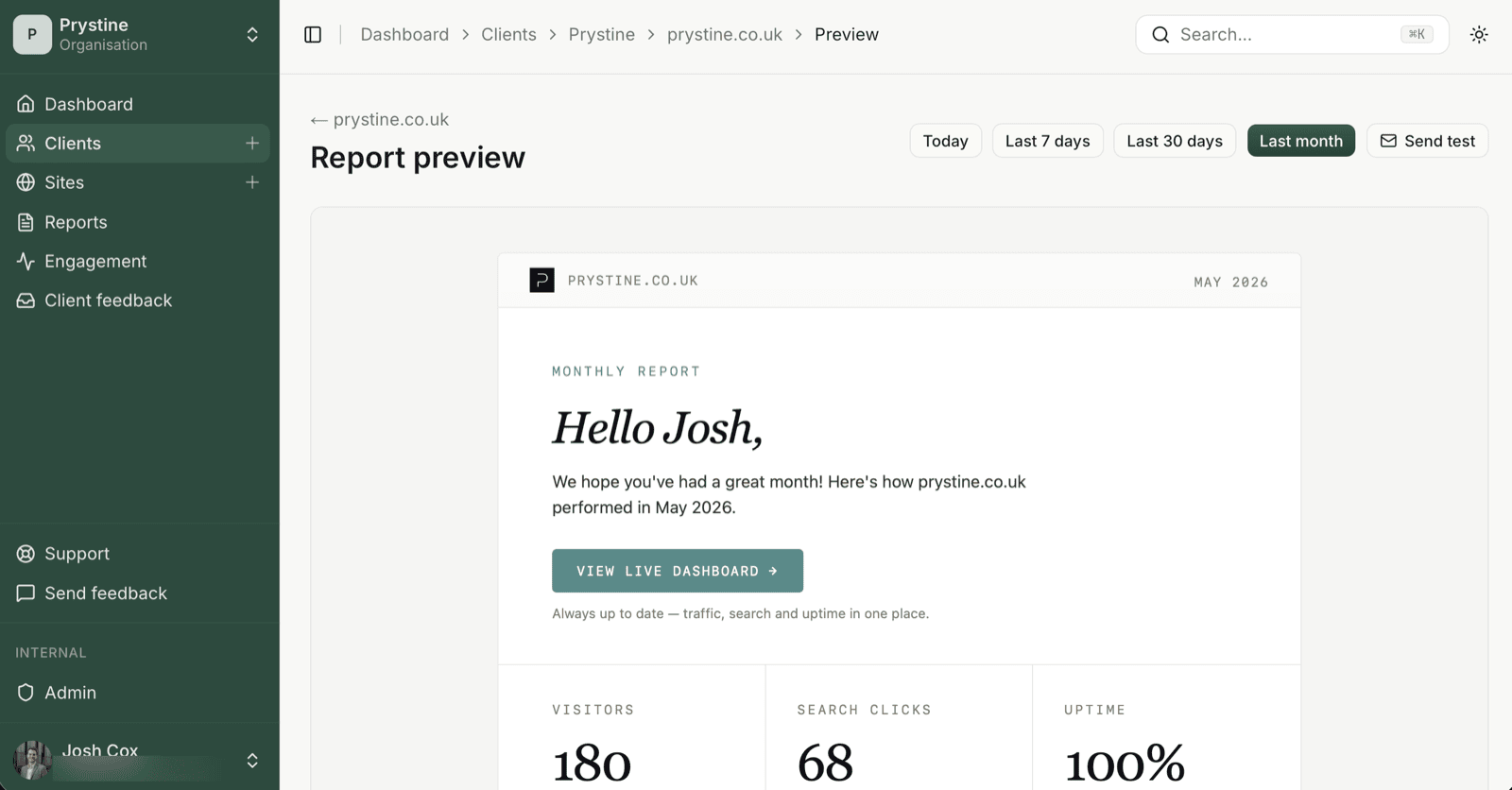
There are two ways to send, and they do completely different things. Send test lives on the site’s report-preview page; Send now is on the site detail page. (The confirm dialog calls it “Send report now?”.)
Send test fires a one-off preview straight to your own inbox — the logged-in user’s email, no address field to fill in. It’s there so you can eyeball the layout before the real send. It does not touch your client. It does not create a record. It does not exist, as far as the rest of the app is concerned.
Send now is the real thing. It runs the full pipeline: pulls live numbers, sends to every recipient on the site, writes a row to the report history, and — because open tracking is on for your verified sender domain — starts listening for opens.
What test emails skip
If you sent a test and you’re wondering where the badge went, here’s what didn’t happen:
- No row in report history; the report list won’t show it
- No open tracking —
Openedbadges can’t ever flip on a test - No recipients touched; it only goes to your own inbox
- No suppression / bounce handling; test sends don’t update recipient health
- No “last sent” timestamp on the site
So if you fired a test to yourself, opened it, and the badge stayed at Delivered (or never appeared at all): that’s why. The test path bypasses tracking entirely.
When to use which
Use Send test when:
- You’ve changed the template or content and want to check it renders
- You’re showing a colleague what a report looks like
- You’re debugging your own sender setup
Use Send now when:
- You actually want the client to receive it
- You want it in the report history
- You want open tracking to do its thing
Rule of thumb: if the client should see it, it’s Send now. Everything else is a test.
See also: Why the Opened badge hasn’t appeared yet