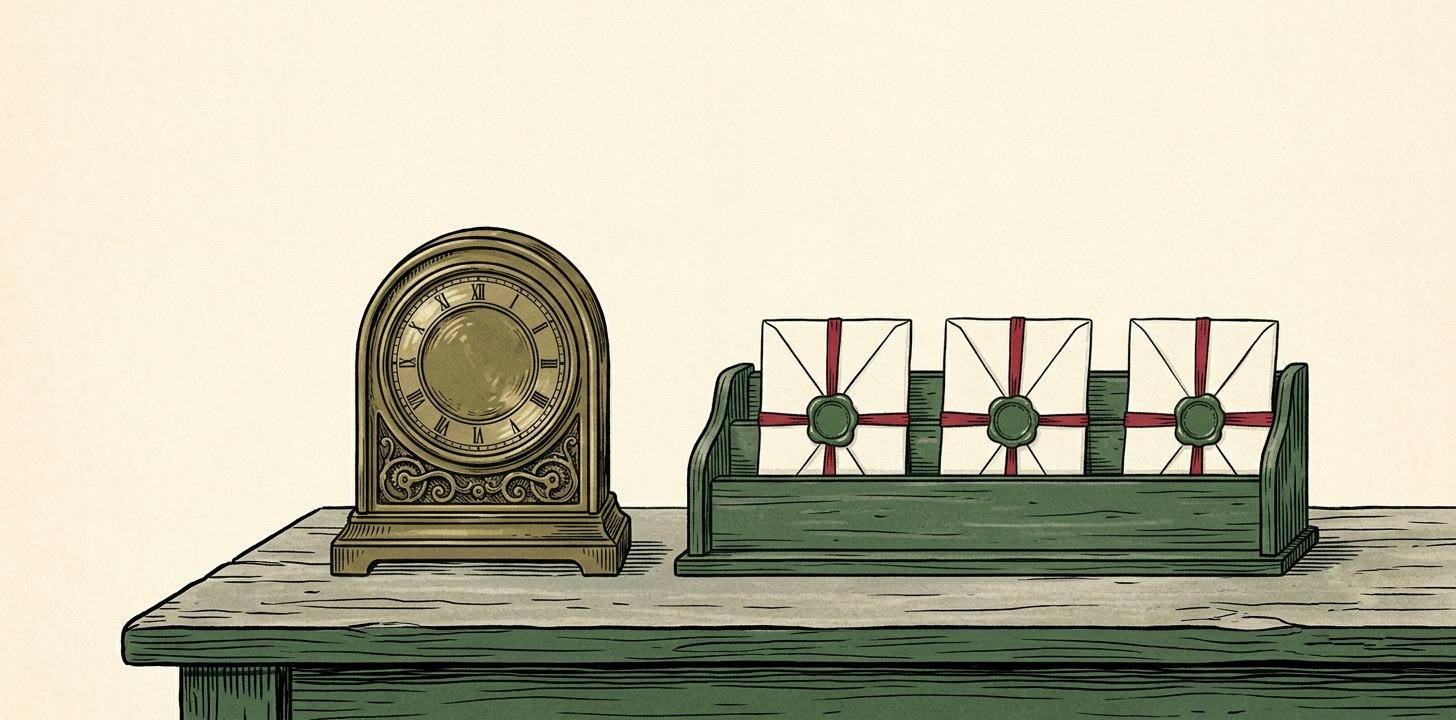

If you run WordPress sites on a care plan, you probably send a version of this email every month: 5 plugins updated, WordPress core patched, 2 backups taken, uptime 99.9%, no issues. It’s tidy, it’s automated, and it proves you’ve been doing your job.
It also tells the client almost nothing they actually care about.
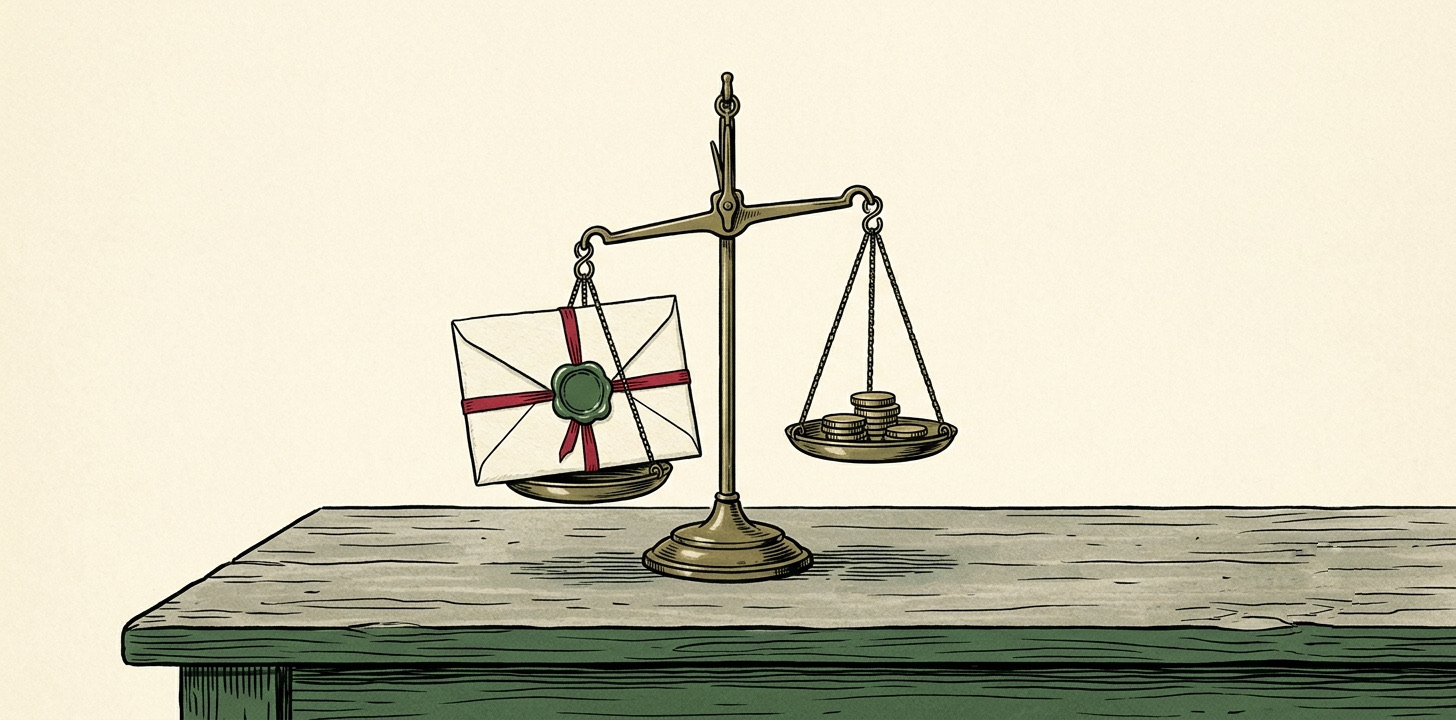
The maintenance email answers did the agency do its work?. That’s a fair question, and worth answering. But it’s your question, not theirs. The client’s question is quieter and more nagging: is this website doing anything for my business? And “3 plugins updated” doesn’t touch it.
Keep the maintenance email. It has a job.
None of this means scrap the care report. Proof of work matters. When a client wonders what the monthly fee buys, “here’s everything we kept patched, backed up and online” is a real answer, and the month something does break, you’ll be glad there’s a record showing it was the exception.
So keep it. It’s just not a client report. It’s a receipt. The two are different documents, and the mistake is sending the receipt and calling it reporting.
The four things the receipt is missing
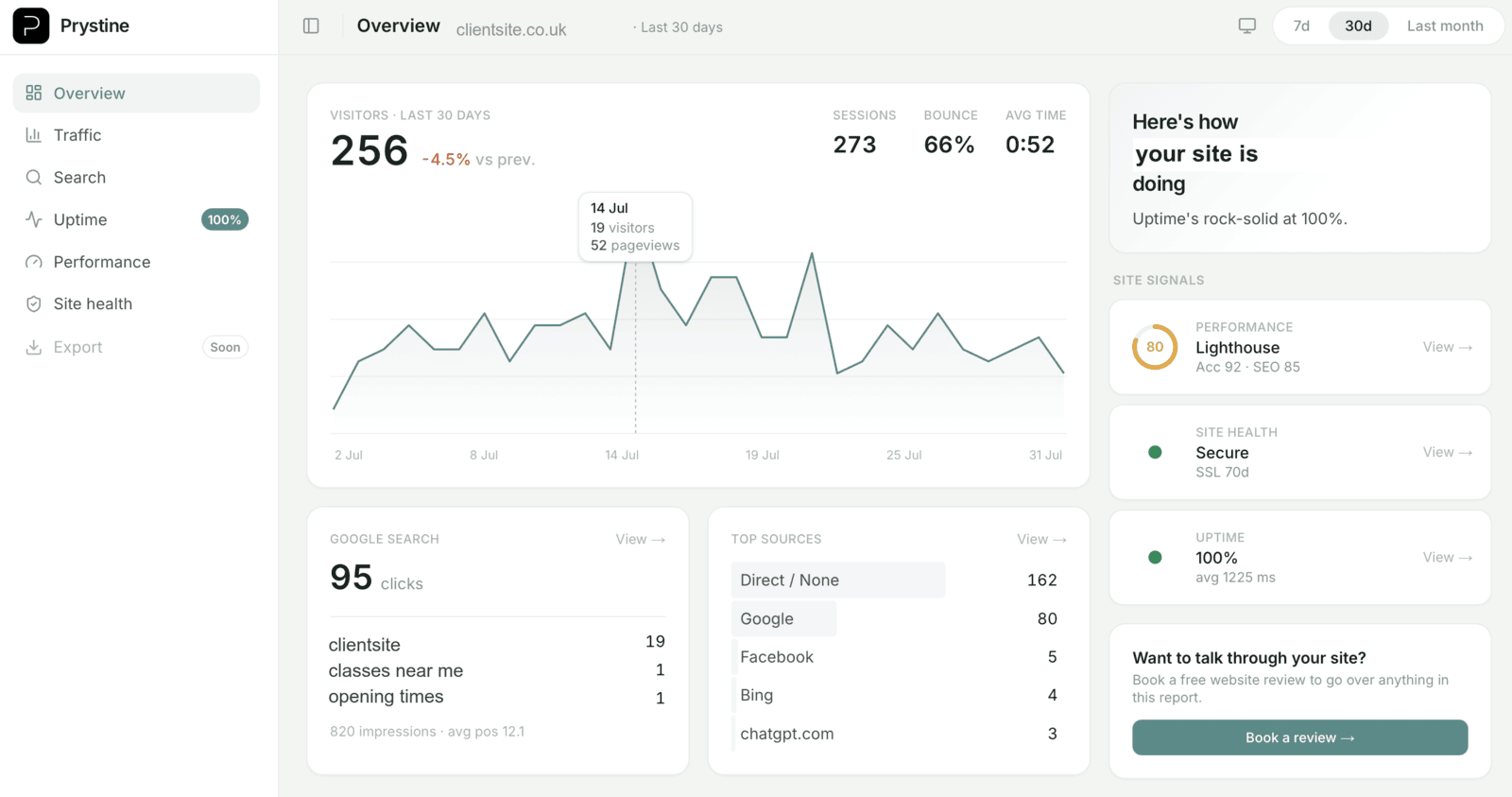
A client report answers three questions: are people finding the site, are those people doing anything useful, and did anything break. The maintenance email only covers the last one. Here’s what closes the gap.
1. Visitors, and the direction of travel. Not a raw number. “1,240 visitors, up 8% on last month” is a story; “1,240 visitors” is trivia. The comparison is the whole point.
2. Where they came from. Search, direct, referral, social. This is where the client starts to connect your work to an outcome: “search is up since we redid the page titles.” It makes the retainer feel like cause and effect instead of a standing charge.
3. Enquiries, or whatever counts as money. The line that justifies the fee. A contact-form submission, a tapped phone number, a booking, a sale. If you can measure the thing that makes the client money, it belongs near the top of the report, not buried under a changelog. This is the single biggest thing a maintenance email leaves out, and it’s the one a client remembers at renewal.
4. One plain-English line. “Traffic’s steady, search is climbing, you had 31 enquiries, and the site was up all month.” Written for someone who doesn’t stare at analytics. That sentence does more for retention than any dashboard full of charts.
You don’t have to swap tools
Here’s the reassuring part: none of this means ripping out how you manage the sites. Your maintenance stack keeps doing maintenance. ManageWP or MainWP can carry on with the backups and updates. The client-facing report is a separate, better-shaped thing that sits on top and reads the analytics you already have.
And because a good reporting tool doesn’t care what the site is built on, the same report format covers the clients who aren’t on WordPress: the Shopify store, the static site, the thing a previous agency left behind. One consistent report across the whole book, instead of a different export for every stack.
The site health still gets a mention
Worth saying, because WordPress people will ask: the useful bits of the maintenance email still belong in front of the client, just phrased as reassurance rather than a changelog. SSL valid, domain not about to expire, updates current, uptime at 100%. Not “we ran 5 updates”, but “everything’s current and the site was up all month”. Same facts, aimed at the person paying rather than the person patching.
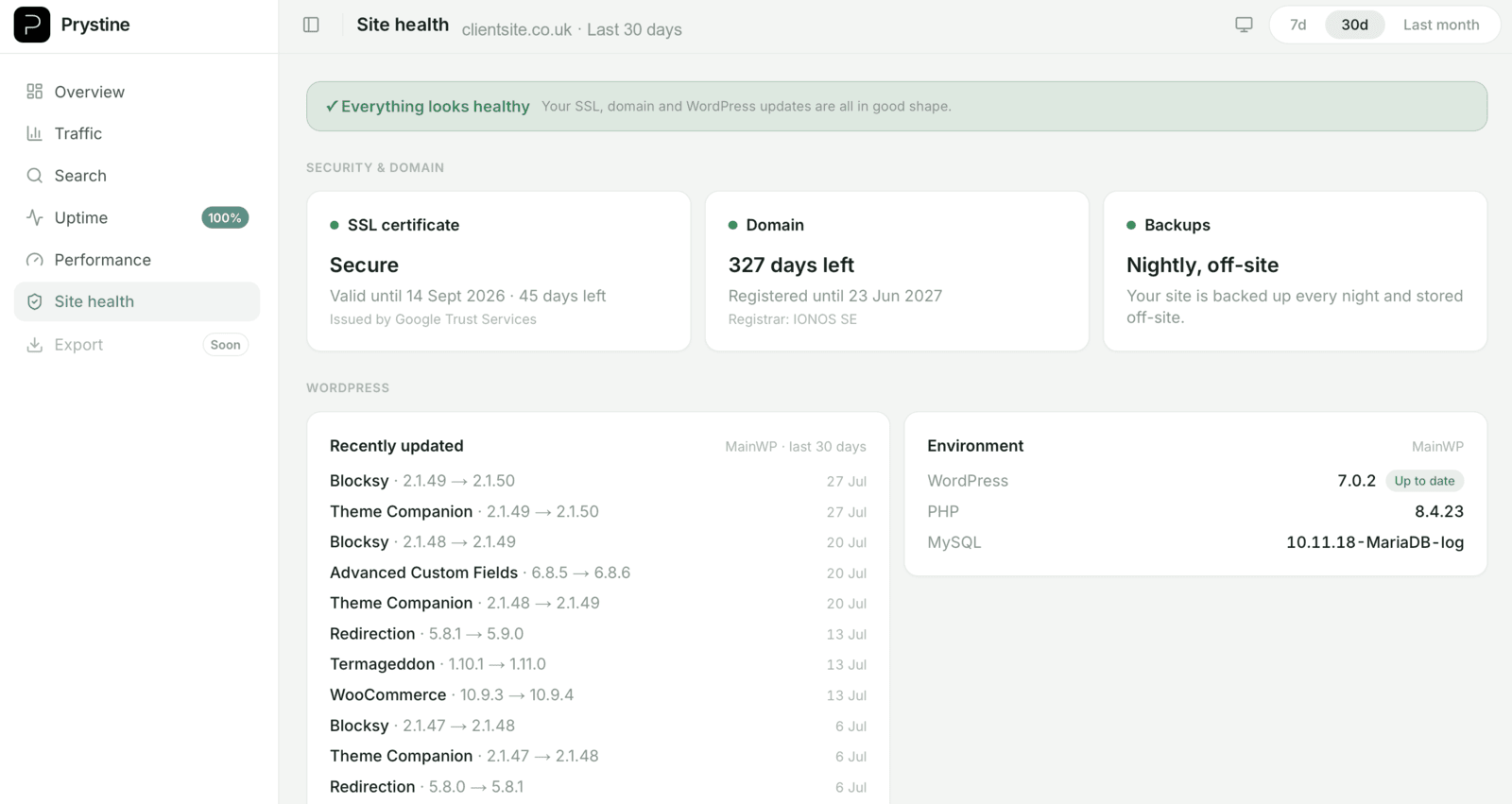
That’s the report SendTidings sends: traffic, search, real enquiries and site health, as a plain monthly letter and a live white-labelled dashboard your client opens without a login. Built to sit alongside the tools you already use to keep the sites running. More on how it fits WordPress agencies, or see the plans.
— Josh